API Keys Management
API keys are used to authenticate requests made to the Zyphe API. They allow your applications to securely interact with our services, whether from a server-side environment or directly from a client-side application.
Key Types
Zyphe provides two distinct types of API keys, each designed for specific use cases and security requirements:
Publishable Keys
- Prefix:
zyphe_pk - Use Case: Intended for use in client-side code, such as web browsers or mobile applications (e.g., within the Zyphe Browser SDK).
- Security: These keys have limited permissions and can be restricted by allowed origins (CORS) to prevent unauthorized use on other domains.
Secret Keys
- Prefix:
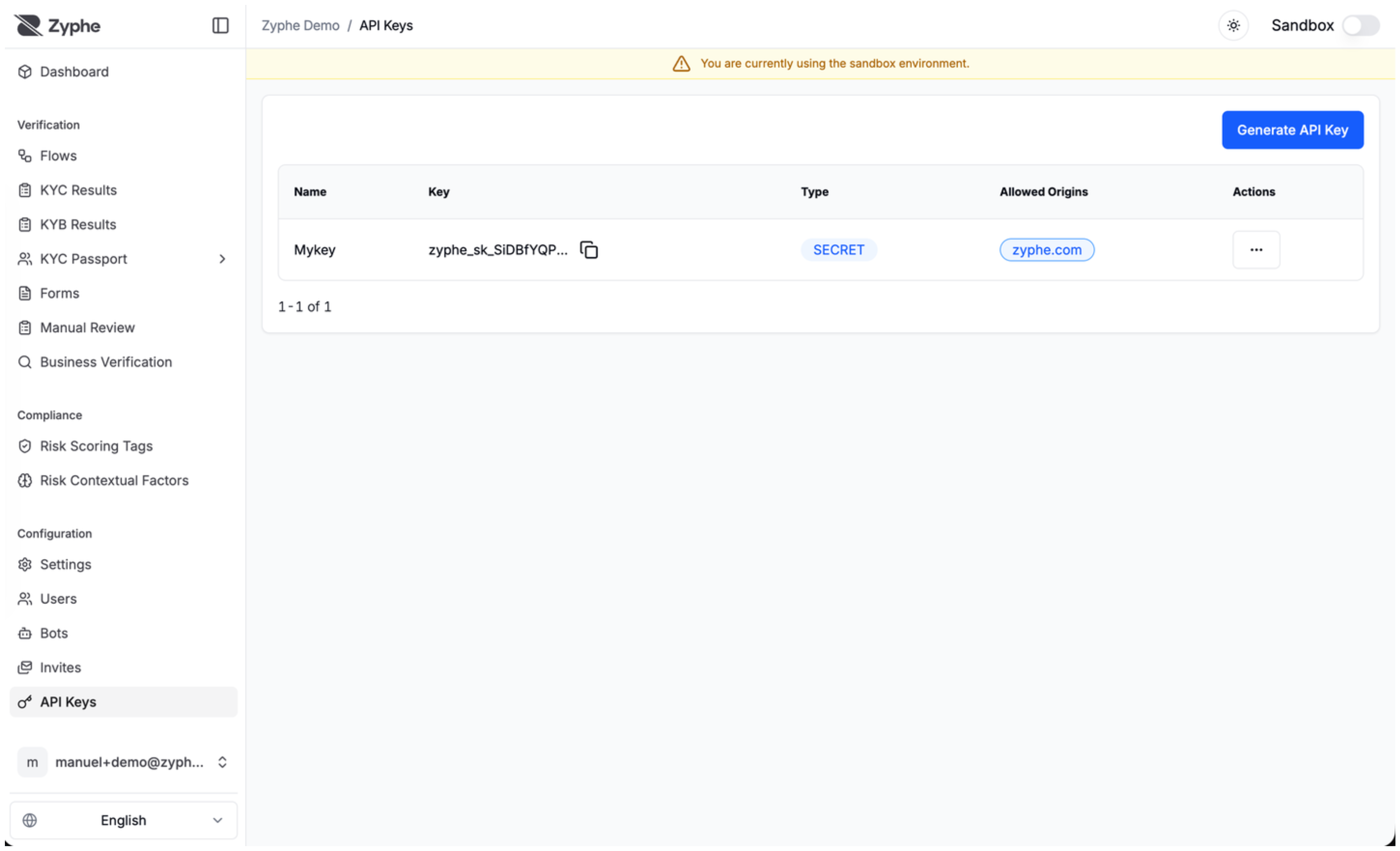
zyphe_sk - Use Case: Intended for use in server-side environments (e.g., Node.js, Python, or direct API calls from your backend).
- Security: Secret keys grant full access to your organization's API resources. They must never be exposed in client-side code or committed to public version control systems.
Managing API Keys
You can manage your API keys through the Zyphe Dashboard. The following operations are available:
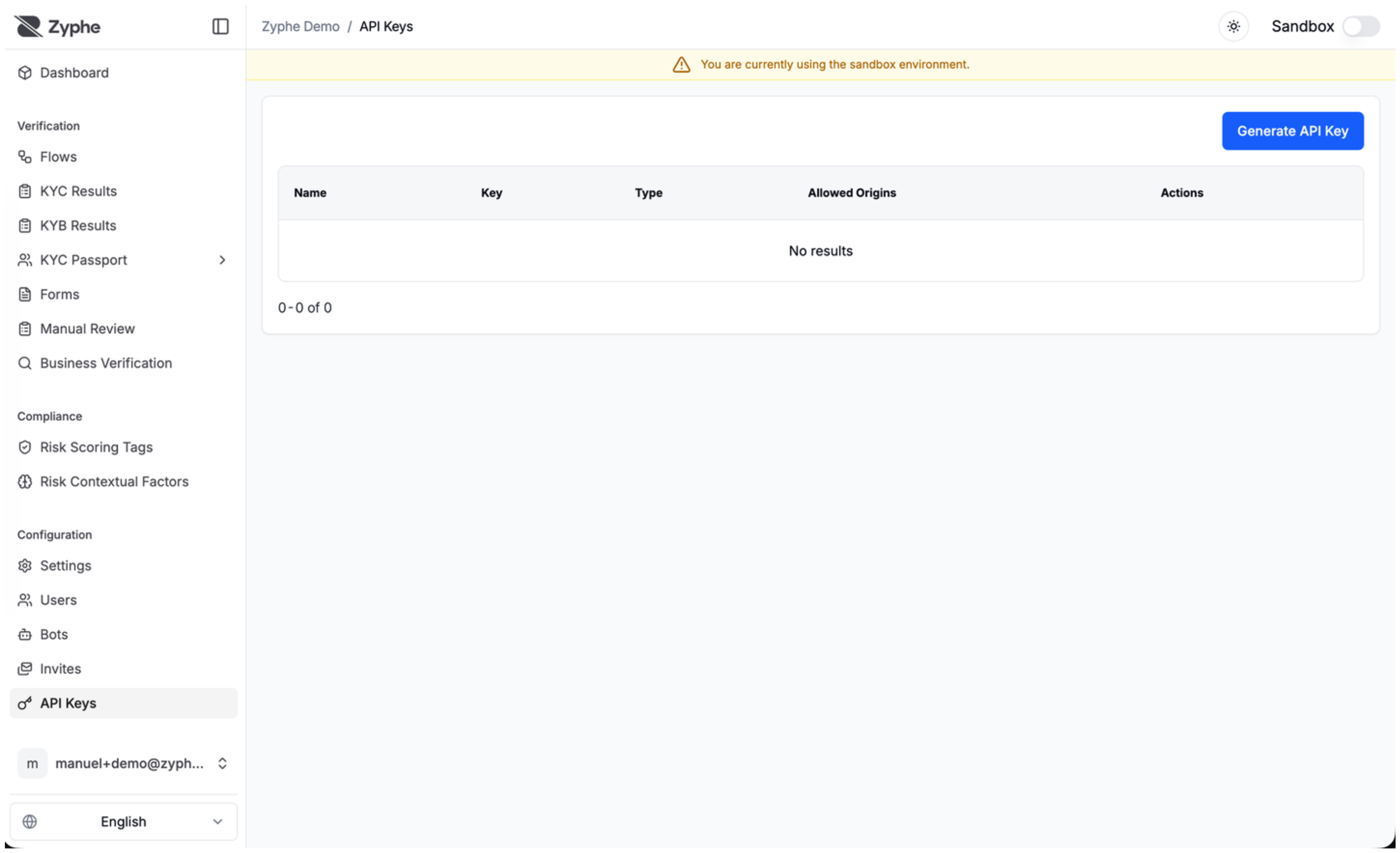
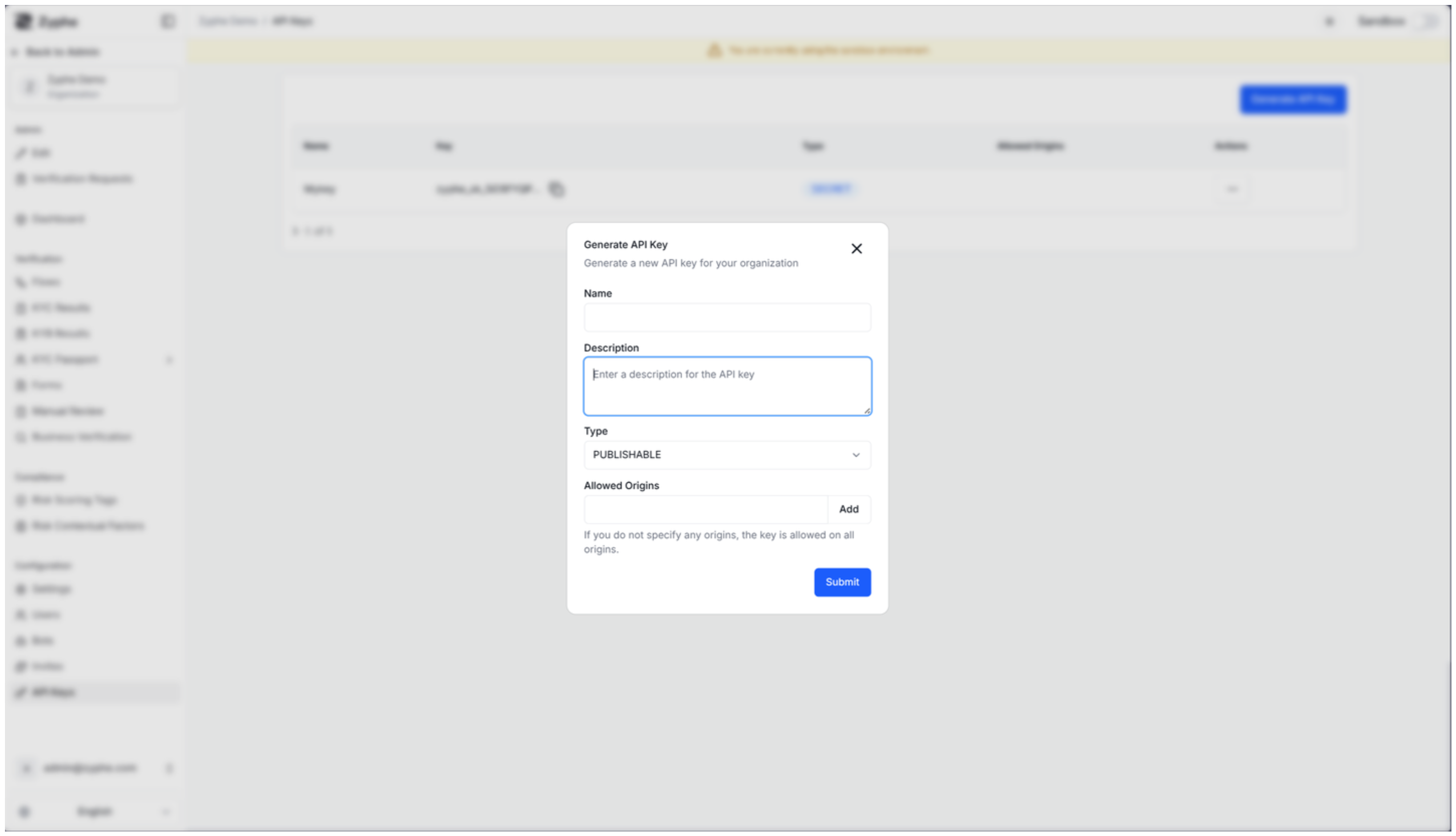
- Create: Generate new keys for different environments or applications. You can specify a name, description, and key type.
- View: Access your existing keys. Note that for security reasons, the full value of a Secret Key is only displayed once at the time of creation.
- Update: Modify the metadata of a key, such as its name, description, or allowed origins.
- Delete: Revoke a key to immediately disable its access to the API.
Security Best Practices
- Protect Secret Keys: Always store secret keys securely using environment variables or secret management services.
- Restrict Origins: For publishable keys, always configure the "Allowed Origins" setting to ensure the key can only be used from your authorized domains.
- Rotate Keys: Periodically rotate your API keys to minimize the impact of a potential credential leak.
- Principle of Least Privilege: Use different keys for different applications or environments to isolate access.