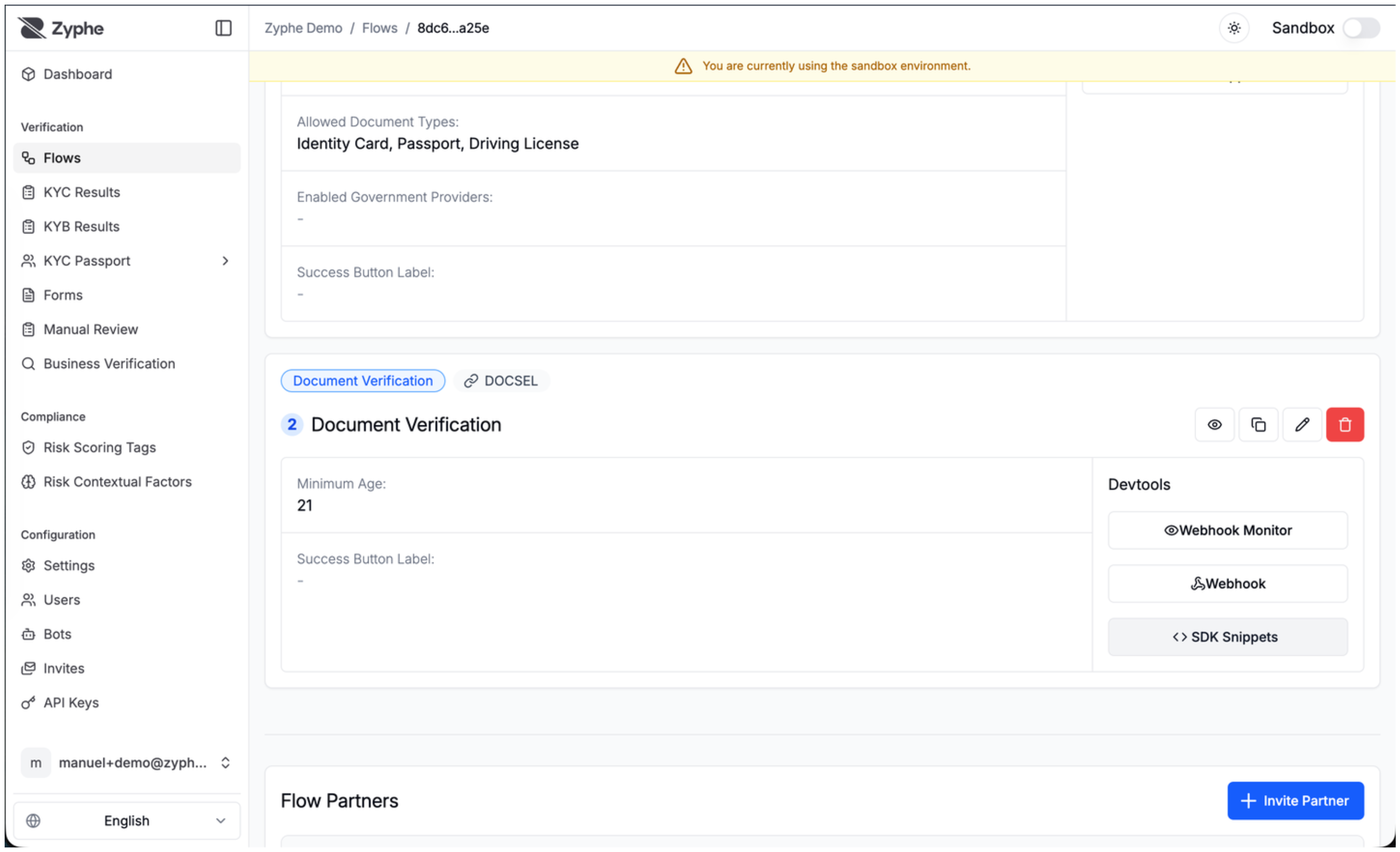
Document Verification
Customize Settings
General Details
- Name: The name of the flow step. It will be used to identify the step in the flow.
- Minimum Age: Age threshold that will be considered valid for the verification flow.
- Minimum Acceptable Document Score: The system analyzes submitted documents and computes a score based on authenticity checks. This parameter sets the minimum score threshold required for document validation.
- Success Button Label: A custom label for the Continue button that is shown once the step is completed.
info
The Document Verification step extracts and validates information from identity documents. To add liveness verification (ensuring the person is real and matches the document), add a separate Liveness Verification step after this one.
Country Filters
If not specified, by default all the countries are whitelisted.
- Countries Whitelist: Documents from countries in the list will be accepted.
- Countries Blacklist: Documents from countries not in the list will be accepted.
If both are configured, the whitelist will override the blacklist.
Document Filters
- Document Type Whitelist: Only document types that are in the list will be accepted (eg. ID Card, Driving License, Passport). If not specified, all the document types are accepted.