Form
Create a New Form
In order to create a "Form" Flow Step, you first need to create a Form.
In the Zyphe Dashboard, navigate to the Forms section and click on the Create button.
A Form can be reused in multiple different Flow Steps.
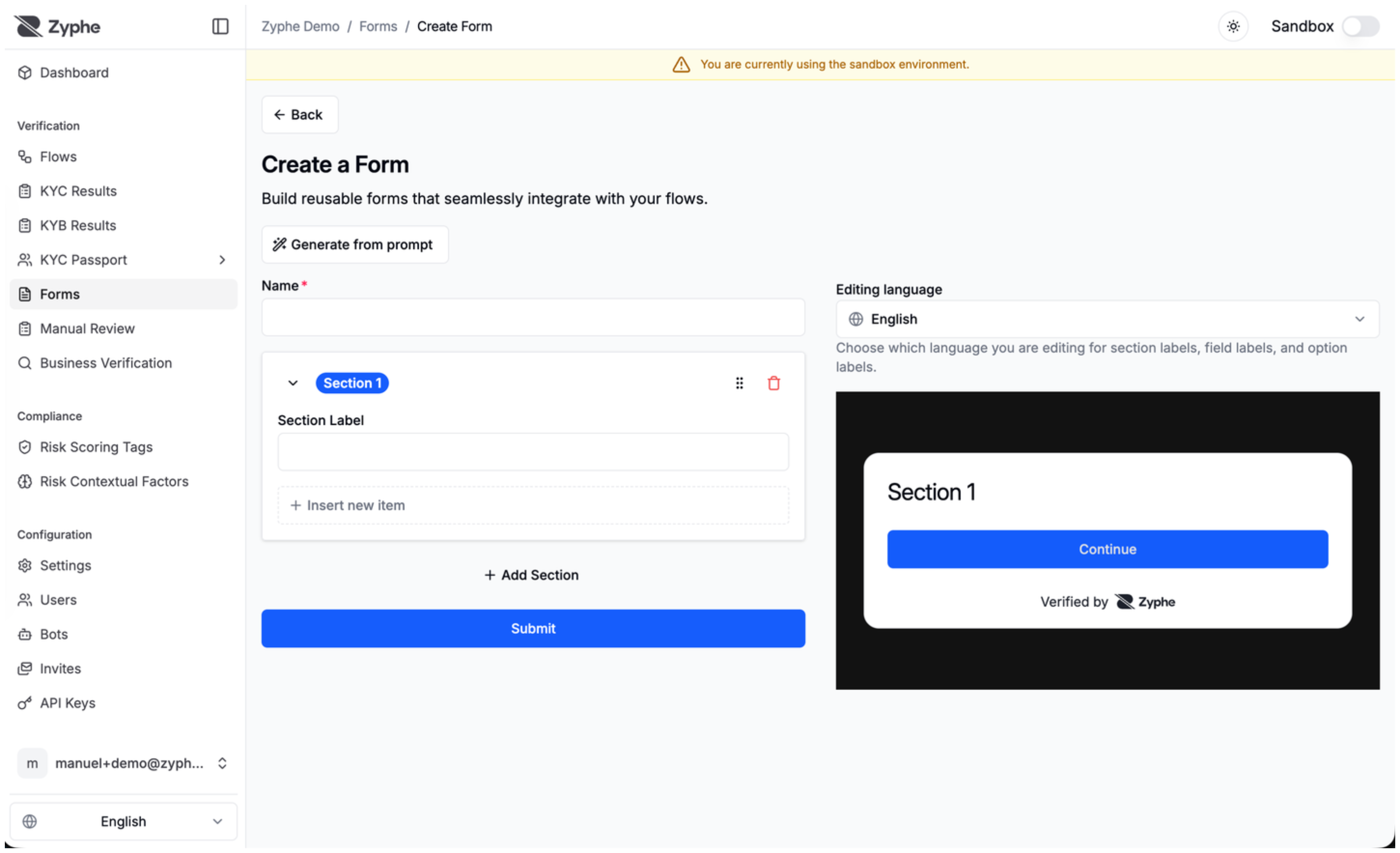
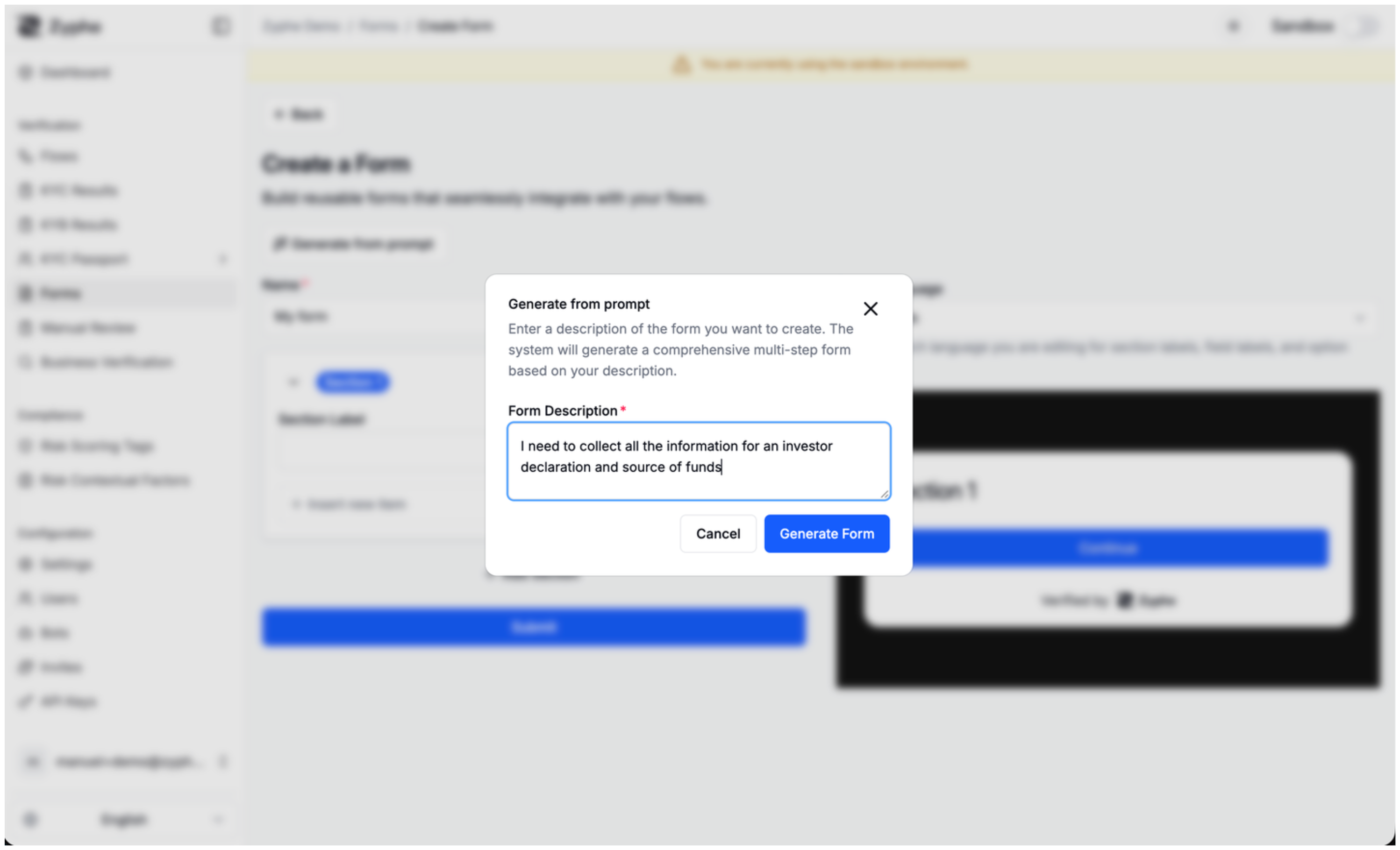
You can also generate a first draft from a prompt, then customize the generated sections and fields in the form editor.
Section
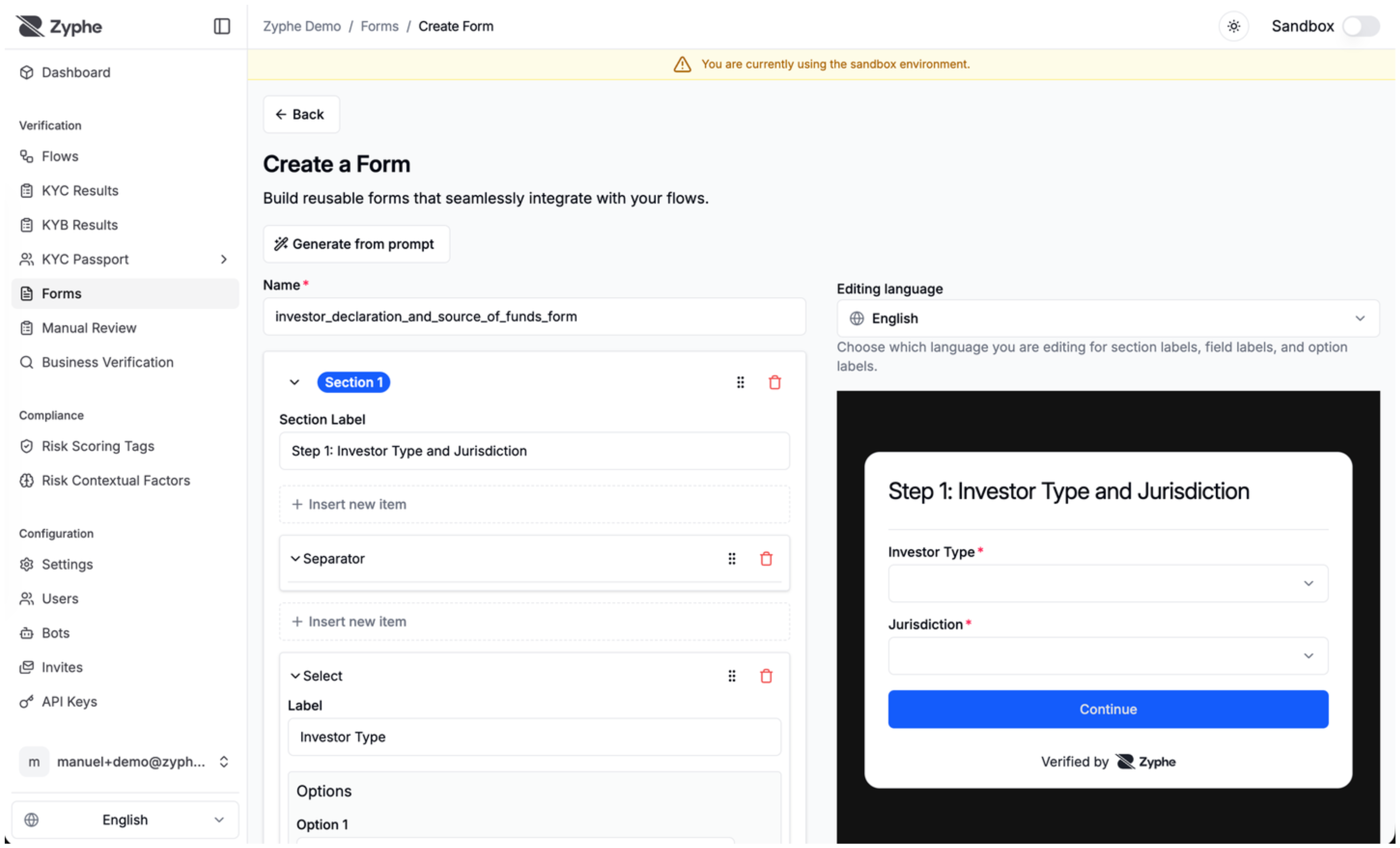
A form is composed of one or more sections. Each section will be displayed to the user as a separate page.
Each section is composed of one or more items.
Item
An item is one of the following types:
- Input Field: A form input field.
- Name: The "machine-friendly" name of the field. This will be used for the JSON entry key.
- Label: The user-facing label of the field.
- Type: Text, Textarea, Checkbox, Date, Select, File, Place
- Required: Whether the field is required or not.
- Options (Select): A list of predefined values for the user to choose from, with an optional "Other" free-text entry.
- Options (File): Accepted MIME types (e.g.,
application/pdf,image/jpeg) and the expected document type.
- Separator: A line that visually separates items within a section.
- Plaintext: Plain text displayed to the user in the form of one or more paragraphs.
Visibility Conditions
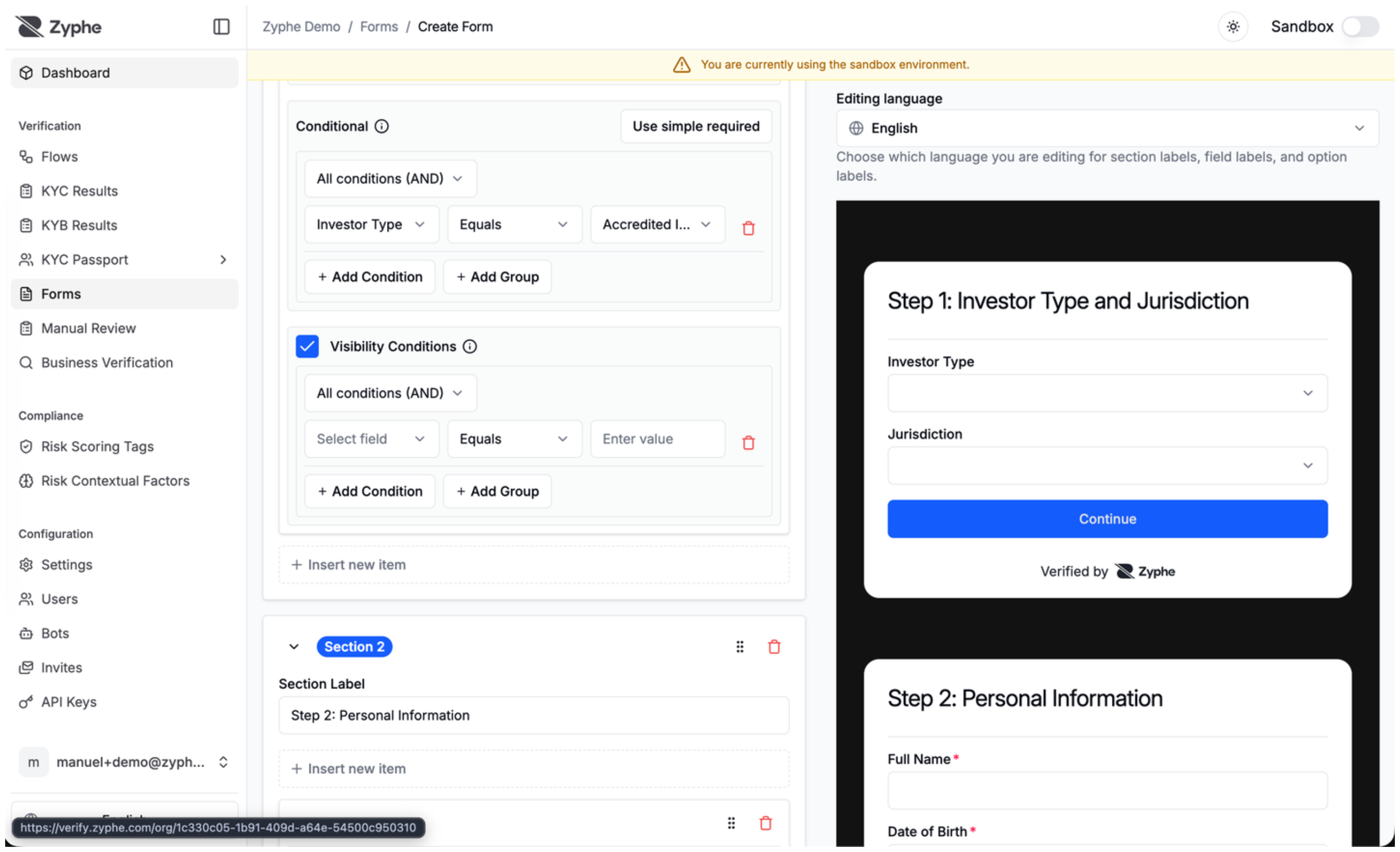
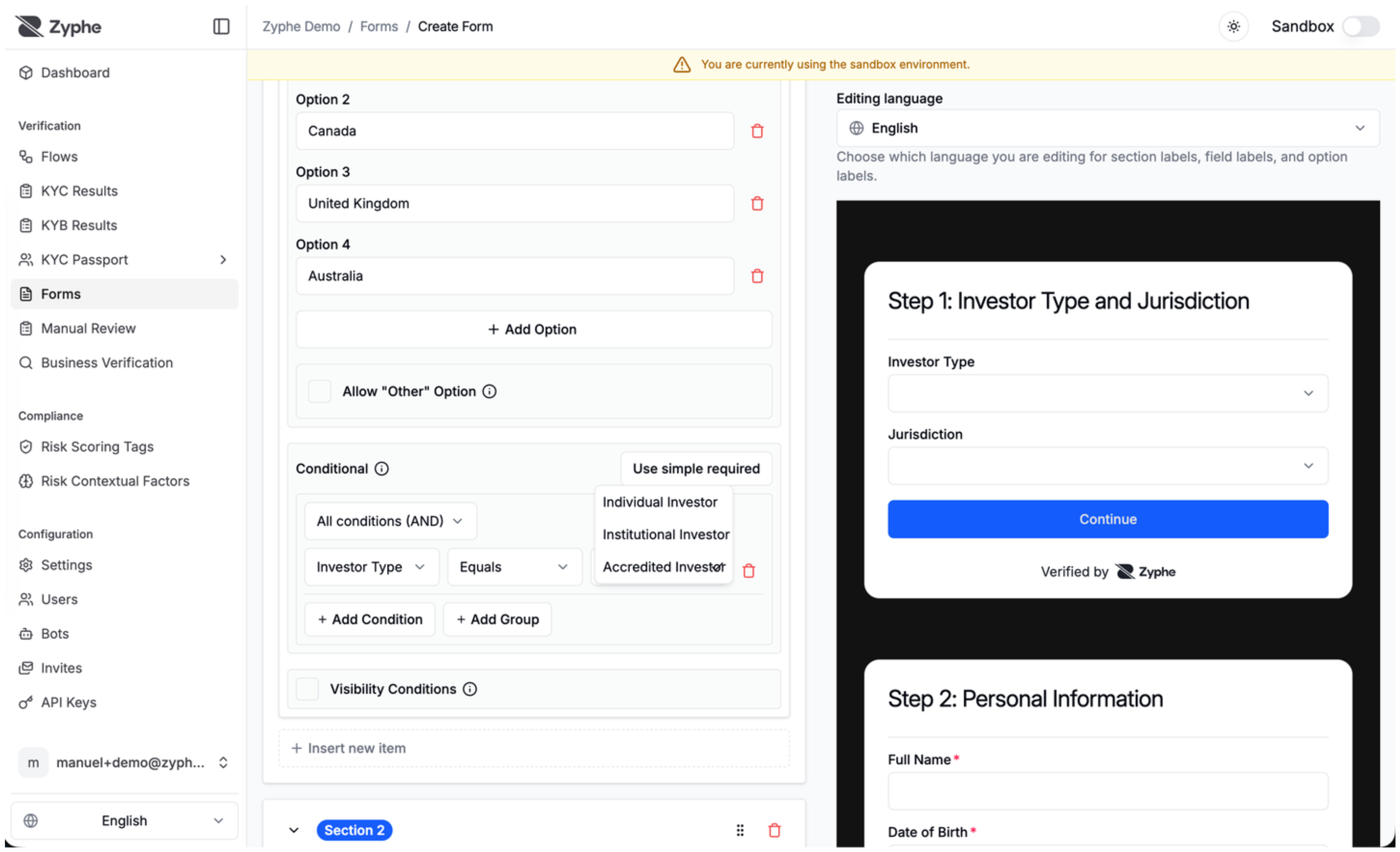
You can use visibility conditions to show or hide fields based on previous answers. This lets you keep forms shorter for users while collecting additional information only when it is relevant.
Multilanguage Support
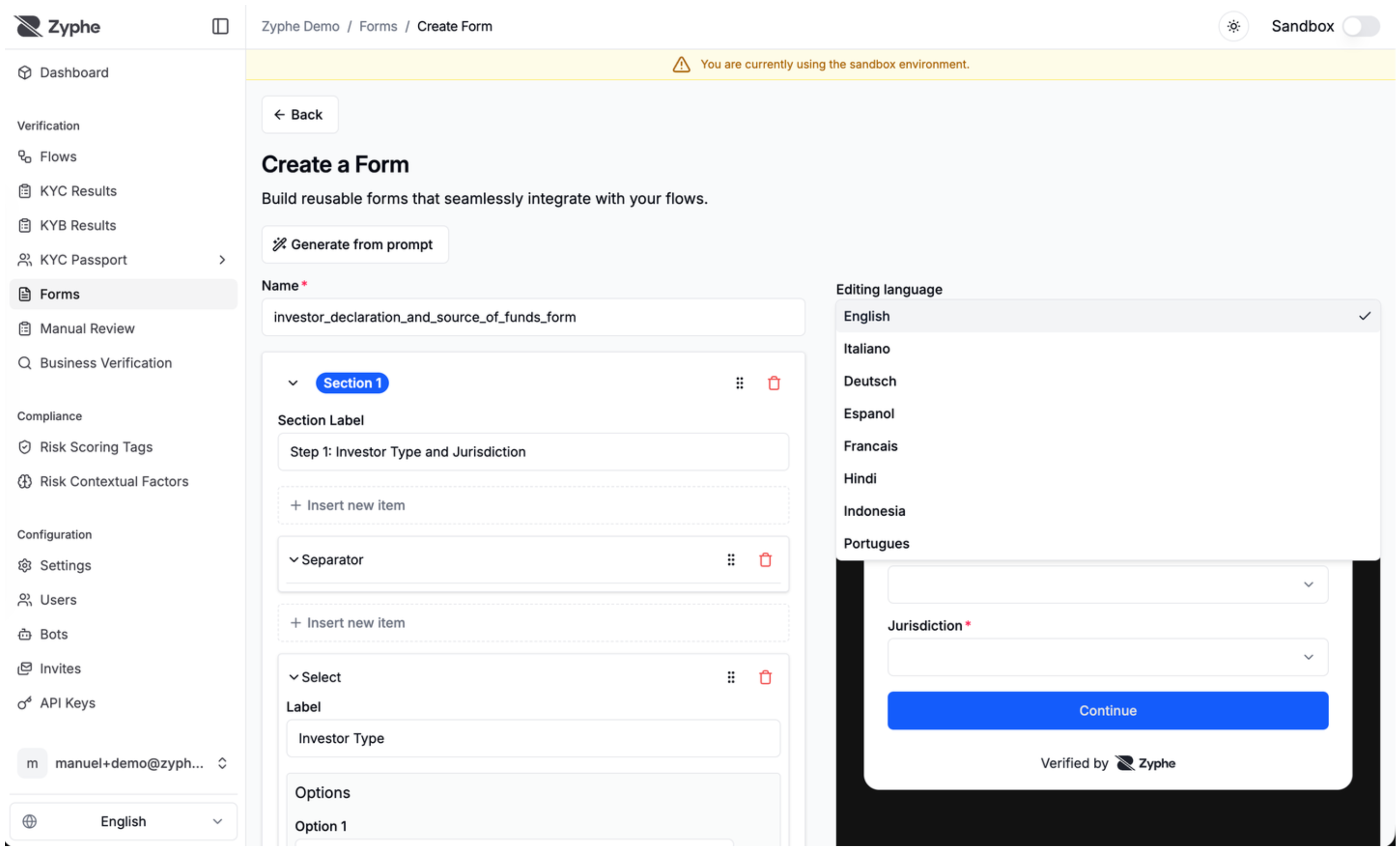
Forms support multiple editing languages, so you can localize section labels, field labels, and option labels for users in different locales.
Customize Settings
- Name: The name of the flow step. It will be used to identify the step in the flow.
- Form: The form to be embedded in the flow step.
- Success Button Label: A custom label for the Continue button that is shown once the step is completed.