Flow configuration
The Flow configuration dialog holds a flow's settings that are not part of a step. Open it from the gear icon (Open flow configuration) on the right of the flow page header. The Success URL set and AML badges in the header open it too.
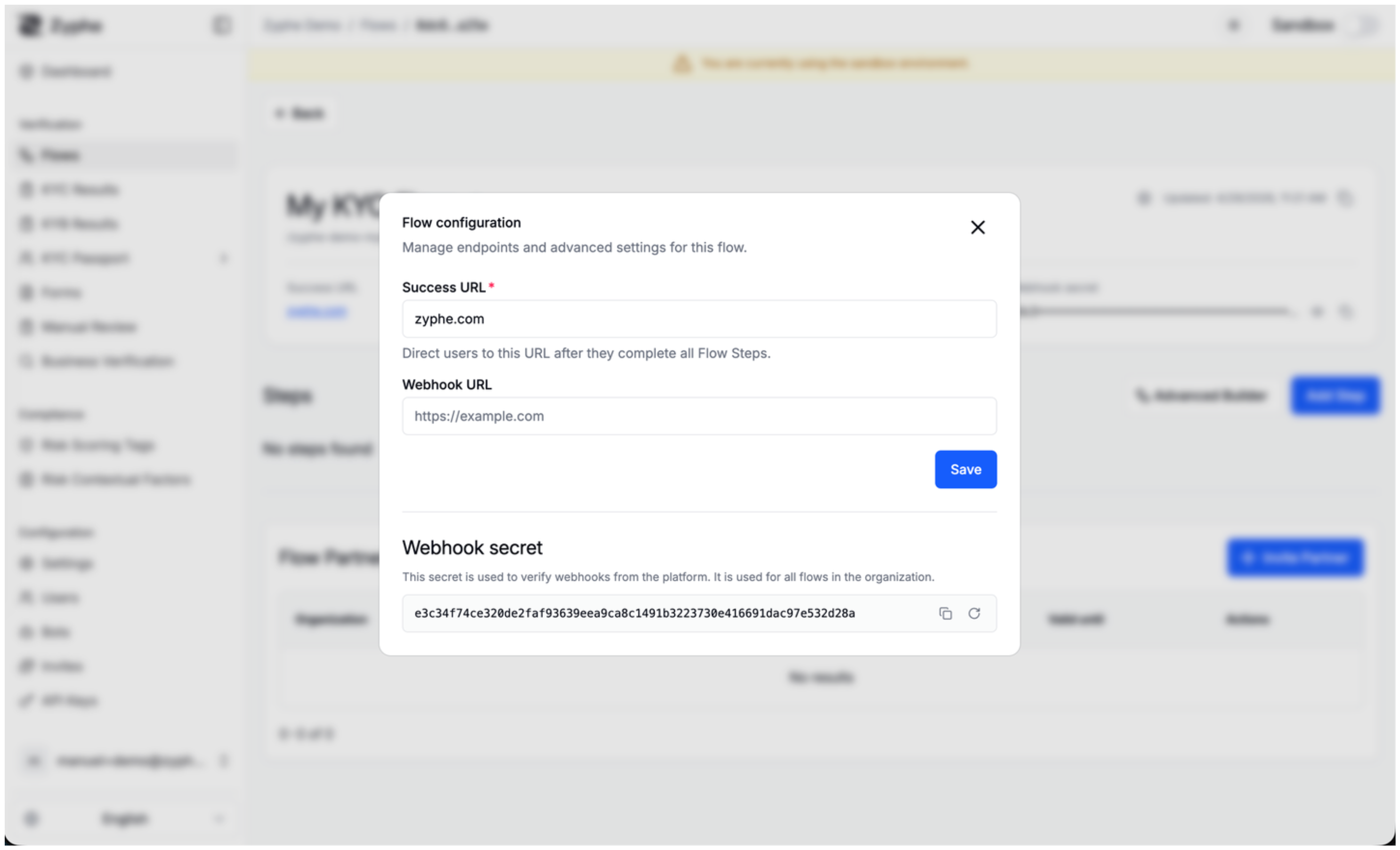
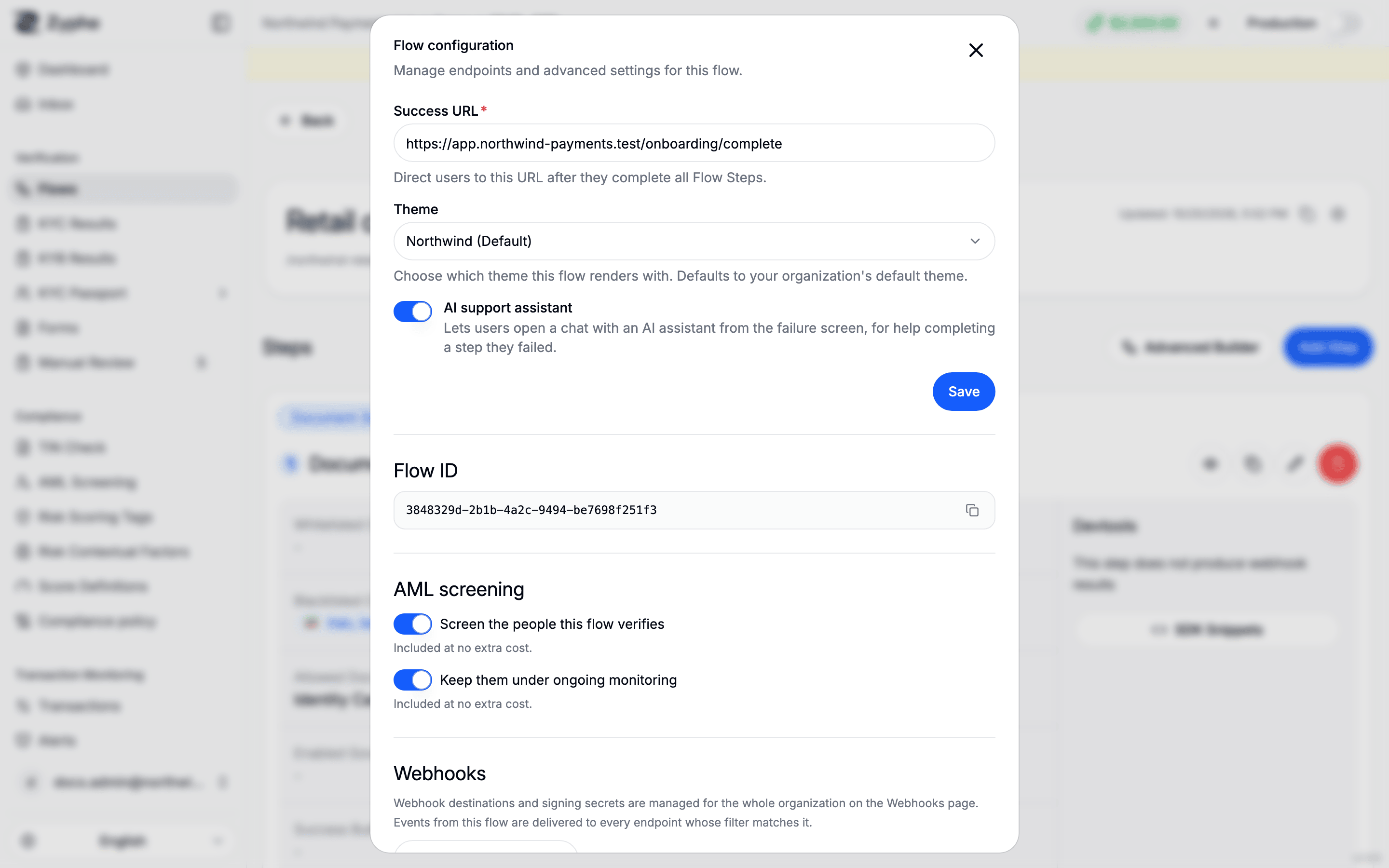
Success URL, theme and AI assistant
These three settings are saved together with Save.
- Success URL (required): the page users are sent to after they complete all the flow's steps.
- Theme: the theme the flow renders with. Unless you pick one, the flow uses your organization's default theme. With no theme yet, the field is disabled; create one first, see Theming.
- AI support assistant: lets users who fail a step open a chat with an AI assistant from the failure screen, for help completing it. It is on by default for new flows. See Verification process.
Flow ID
The flow's ID, with a copy button. You use it in SDK calls and to scope webhook endpoints. The same copy action is in the flow page header.
AML screening
This section sets whether the people the flow verifies are screened for sanctions, PEP and adverse media, and whether they stay under ongoing monitoring afterwards. Changes apply as soon as you flip a switch.
On a KYC flow:
- Screen the people this flow verifies: screens each verified person.
- Keep them under ongoing monitoring: keeps screened people under ongoing monitoring. It can only be on while screening is on; turning screening off turns monitoring off too.
Under each switch, the dialog shows what it costs from your credit balance, for example the rate per person screened or per monitored person per year, or Included at no extra cost. A year of monitoring your balance cannot cover is not monitored. A flow created before per-flow AML pricing shows a note that its people are screened and monitored at no charge until you change a switch.
On a KYB flow, the company and its officers are screened as part of each KYB case, at the case's price, so only Keep the company and its officers under ongoing monitoring can be switched.
The flow page header shows the current state as a badge: AML screening and monitoring, AML screening or No AML screening on a KYC flow, and AML monitoring or No AML monitoring on a KYB flow.
For what screening checks and how matches are reviewed, see AML.
Webhooks
Webhook destinations and signing secrets are managed for the whole organization on the Webhooks page, not per flow. Events from this flow are delivered to every endpoint whose filter matches it. Open webhook settings takes you there; see Webhook Endpoints.
Other settings
Some flow behaviours, such as how one-click KYC reuse works for returning users, are set by Zyphe support. Contact support if you need to change them. See Reusable credentials.