Agents and API credentials
An agent is a non-human member of your organization: an identity with a role, used by an AI agent through the MCP server or by your own server through the organization API. It acts with exactly the permissions of its role, like a person holding that role, and everything it does is written to the audit trail under its name.
Agents are managed on the Agents page (sidebar → Configuration → Agents), available to Admins and Developers.
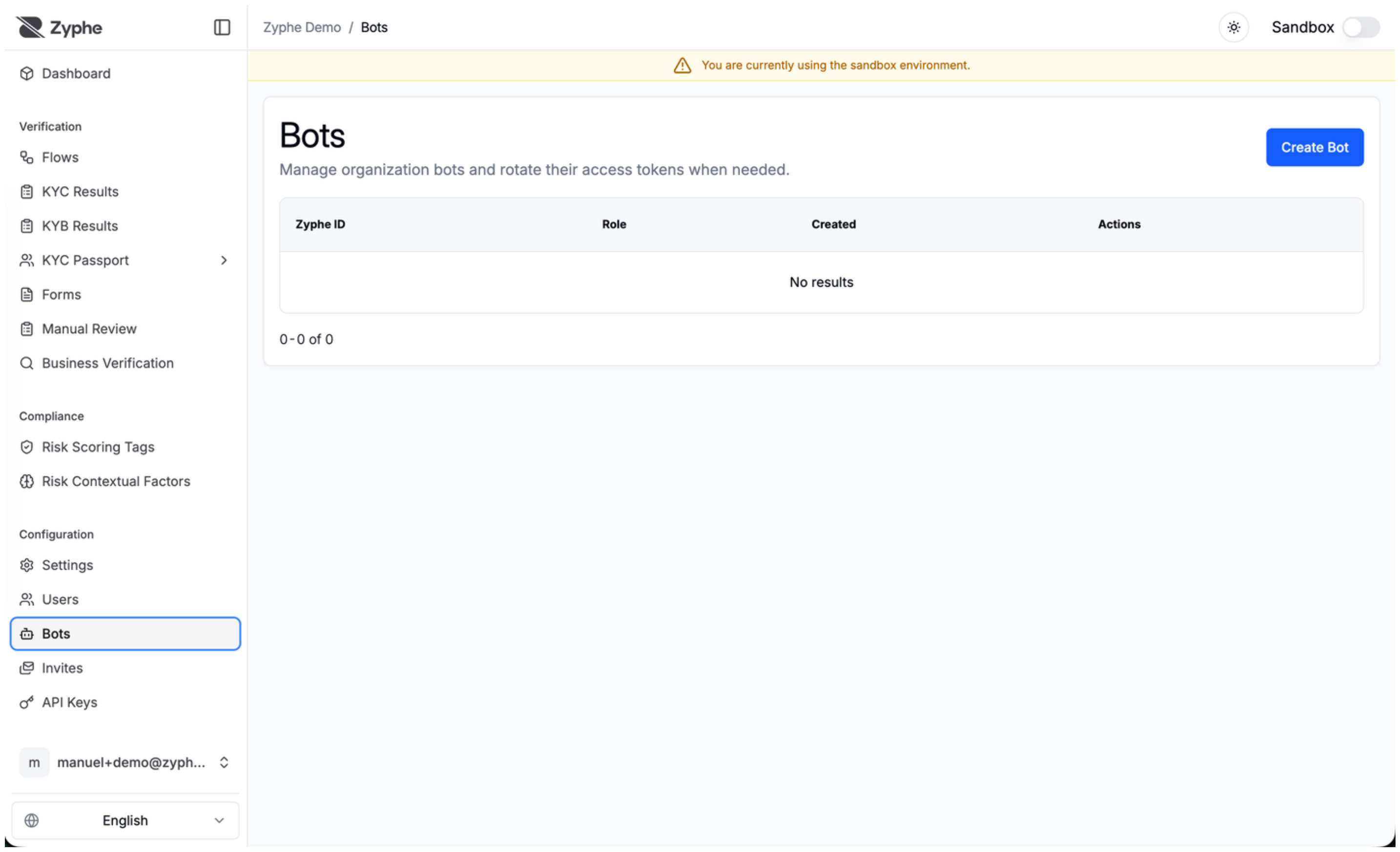
Create an agent
- Click Create Agent.
- Enter a Name and pick a Role.
- Pick its Access:
| Access | Token | Accepted by |
|---|---|---|
| Agent (MCP) | zyphe_bot_… | The MCP server only, with the reviewer and configuration tools |
| API credential: production | sk_live_… | The organization API and the MCP server, in production |
| API credential: sandbox | sk_test_… | The organization API and the MCP server, in sandbox |
- Click Submit. The Agent token created dialog shows the token once: copy it and store it in your secret manager. It is not shown again.
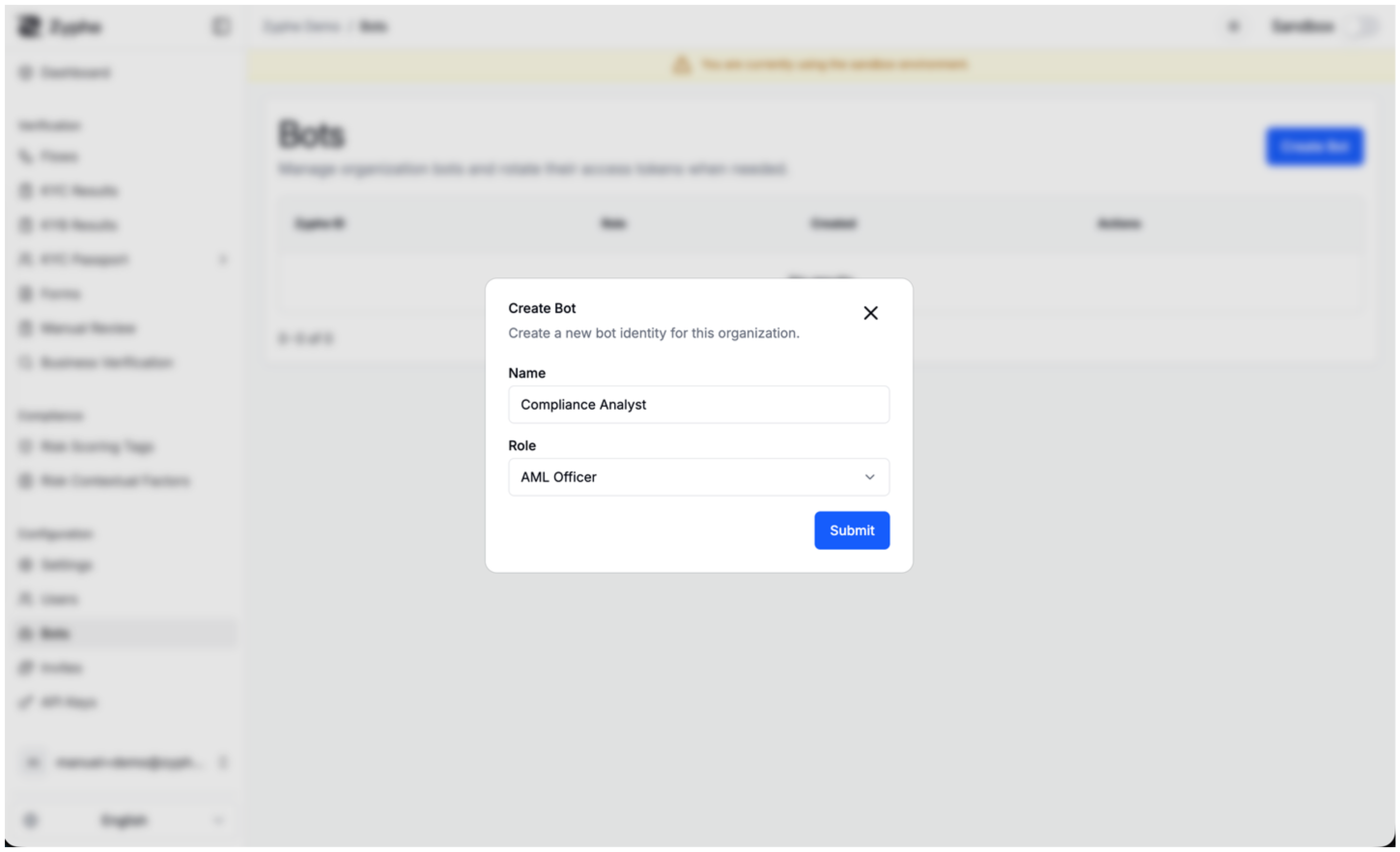
Which role
An agent can do what its role allows and nothing more, so give it the narrowest role that does the job. An Admin can create agents with the Admin or Developer role; a Developer can create Developer agents. See the role permission matrix.
Rotate or remove an agent
From the agent's action menu:
- Regenerate token issues a new token, shown once in the Agent token regenerated dialog. The previous token stops working at once.
- Delete removes the agent and invalidates its token.
Zyphe stores only a hash of each token, so a lost token can't be recovered: regenerate it.
Use an API credential
An API credential lets your server call the organization API, the API the dashboard itself uses for flows, results, KYB cases, AML screenings, transaction monitoring and webhooks, as the agent it belongs to:
GET https://api.zyphe.com/v1/organizations/{organizationId}/flows/list
Authorization: Bearer sk_live_…
- Its own organization only, in the environment its prefix names. A
sk_test_credential works in sandbox and must sendsandbox=true; ask_live_credential works in production. A request for the other environment is refused. - Server to server only. A request that carries an
Originheader comes from a browser and is refused. Never ship a credential in a web page or a mobile app. - No people, credentials or money. API keys, agents, users, partner invites and billing are reserved to people: a leaked credential can't mint more credentials or invite anyone in.
- Organization-wide settings. A sandbox credential can read, but not change, settings that apply to both environments at once, such as the compliance policy or risk scoring.
On the MCP server, an API credential gets the public toolset, with its environment fixed by its prefix. See MCP: Service credentials.
Agents, API credentials or API keys
| You want to | Use |
|---|---|
| Start verification sessions from your backend, embed the Browser SDK, call the Export API | An API key (zyphe_sk_…, zyphe_pk_…) |
| Let your server read and act on results, cases and configuration with a role, and see its actions in the audit trail under its own name | An API credential (sk_live_…, sk_test_…) |
| Let an AI assistant review cases and configure flows over MCP | An Agent (MCP) token (zyphe_bot_…), or connect the assistant with OAuth |
Agents created by an MCP connection
When someone connects an MCP client with OAuth, Zyphe creates an agent for that connection, named after the client, with the role and environment chosen on the consent page. It appears on the Agents page like any other. Delete it to disconnect the client.